ServiceNow, Epic and Workday Requests Are Getting Easier
You've told us the Idea Portal could be hard to use. It wasn't always easy to know where to submit a request or what happened after you clicked Submit.
Based on your feedback, Information Services and the ServiceNow application team have made some changes to make the process simpler and easier to follow.
Starting now, requests will go straight to the team that handles the work. This removes an extra step and helps get requests to the right place faster.
What's Changing?
Requests for ServiceNow, Epic and Workday will no longer be submitted through Optimization categories.
Instead, go to the Employee Center and search for:
- ServiceNow Enhancements
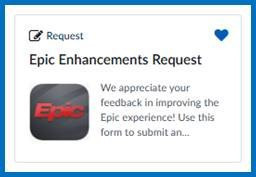
- Epic Enhancement Request
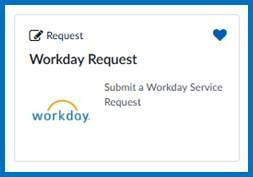
- Workday Request
Select the option that best matches your need, and your request will be sent to the right team automatically.
There are also a couple of name changes:
- Epic Break/Fix is now called Epic – Report an Issue
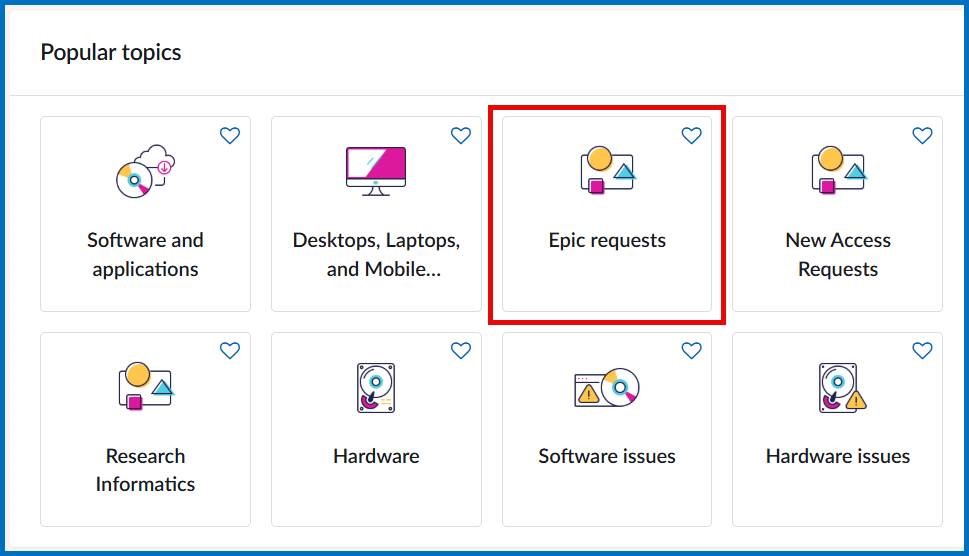
- Epic requests are now grouped together under Epic Requests in the Employee Center
Easier to Track Your Request
One of the biggest improvements is that it's now easier to see what's happening with your request.
You will have one ticket to follow from start to finish. This means you can check its progress without wondering where it went or who is working on it.
The new process should also reduce requests being sent to the wrong team.
What About the Idea Portal?
Optimizations aren't going way entirely. The Idea Portal stays available under quick links in the mega menus for LESS (Let's Eliminate Silly Stuff) and Something else categories -— the place for system-wide suggestions.
If you go to the Idea Portal for a ServiceNow, Epic or Workday request, you'll be directed to the correct form.
Thank you to everyone who shared feedback and helped make these improvements possible. Please send your feedback to Information Services.