Microsoft Windows 11 Coming to Virtual Desktops
Will you be on duty at 9 p.m. on Feb. 11? That's when the automatic update for Follow Me Desktop will begin. Staff members who are accessing the virtual desktop via Citrix and MyAccess should save their work.
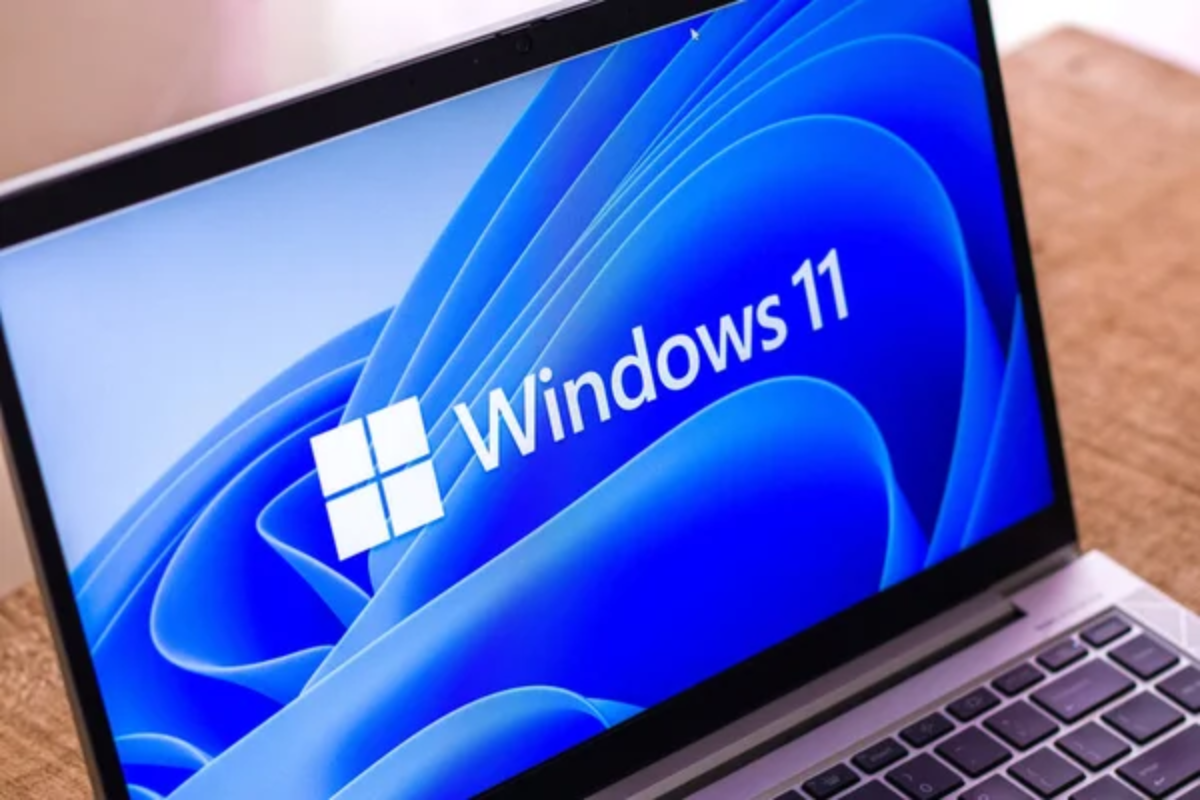
As part of our continued efforts to modernize our technology environment, Follow Me Desktop (FMD) — the virtual desktop you access through Citrix and MyAccess— will be automatically upgraded to Microsoft Windows 11 starting the evening of Feb. 11, 2026.
What’s Changing
Windows 10 will be removed and replaced with Windows 11, a modern operating system designed for better performance, usability, and security. It is designed to be simpler and more visually appealing.
What You’ll Notice
Windows 11 has a new clean look with rounded corners and pastel colors. The Start Menu is in the center of the screen, and it shows pinned apps and recent files. The Taskbar is also centered, and it has new icons and animations.
What You Need to Know
Date: Feb. 11, 2026
Where: All Cook Follow Me Desktops (FMD) in Citrix
To do: There is no action needed by users to complete the update. It will take place automatically.
- The update will take place after 9 p.m. Please remember to save your work.
- The first time you log onto a Windows 11 session, the task bar will take a few seconds to come up.
- After the Windows 11 upgrade goes into effect, anyone starting a NEW session will be using the new Windows 11 environment.
Please note: If you start a Cook Follow Me Desktop or Cook Desktop session prior to the Windows 11 upgrade, you will still see the Windows 10 environment and can continue working in Windows 10. You can switch right away to Windows 11 by signing out of your current session and starting a new session. Otherwise, you will see the Windows 11 environment the next time you start a NEW session.
Thank you for your continued support as we bring Cook Children’s closer to a modern, more secure, and connected workplace.
If you have any questions or experience any issues after the update, please contact the ServiceDesk at 682-885-7999 or ServiceDesk@cookchildrens.org.
Our virtual desktop environments can be accessed in several ways:
From a clinical, on-premise perspective:
- Follow-Me-Desktop or FMD
- Smooth Roaming computers or workstations
- WOWs
- COWs
- IGEL
- Citrix
For remote workers, the virtual desktop environment is called:
- Cook Desktop
- Citrix
- MyAccess