
Patient Education Portal Page Updated
To find patient education on the CookNet you MUST begin your search from the Patient Education Portal page. If you have favorites, you will need to replace those ASAP.
Click here to find the page on CookNet
Watch a 2-minute video of the steps below if you prefer.
You can also watch a video on how to add the Patient Education Portal to your Important Places.
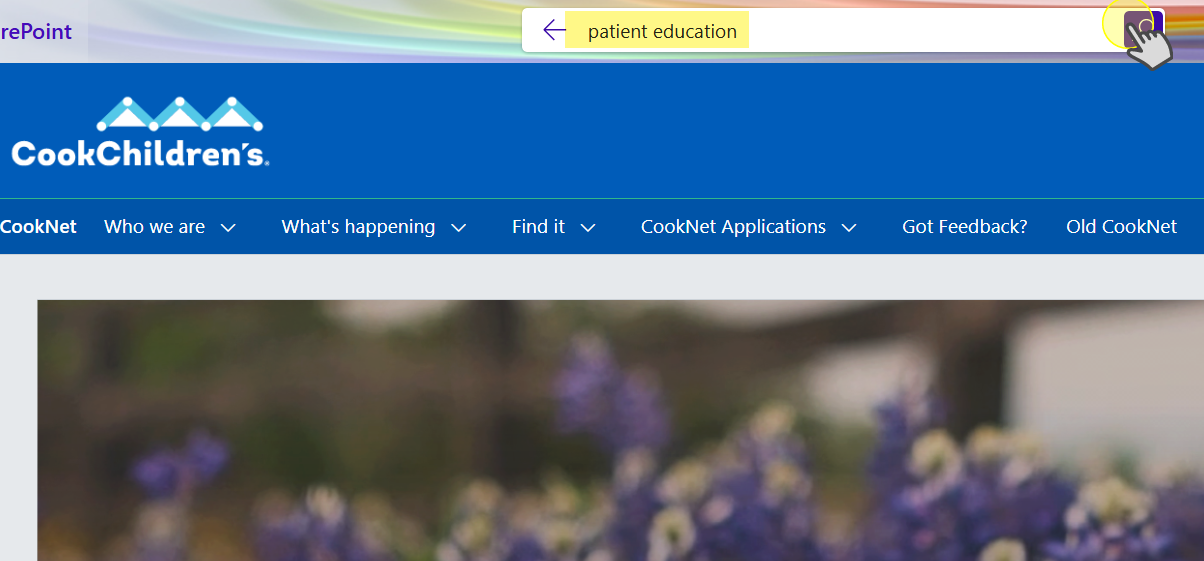
1. Search the CookNet homepage for the phrase patient education and click search or hit enter. You can also find the link in the menu drop-downs.
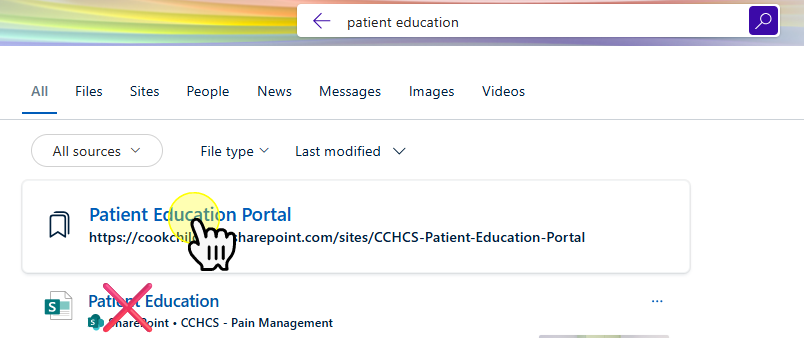
2. Select the 1st result that shows up in the bordered box.
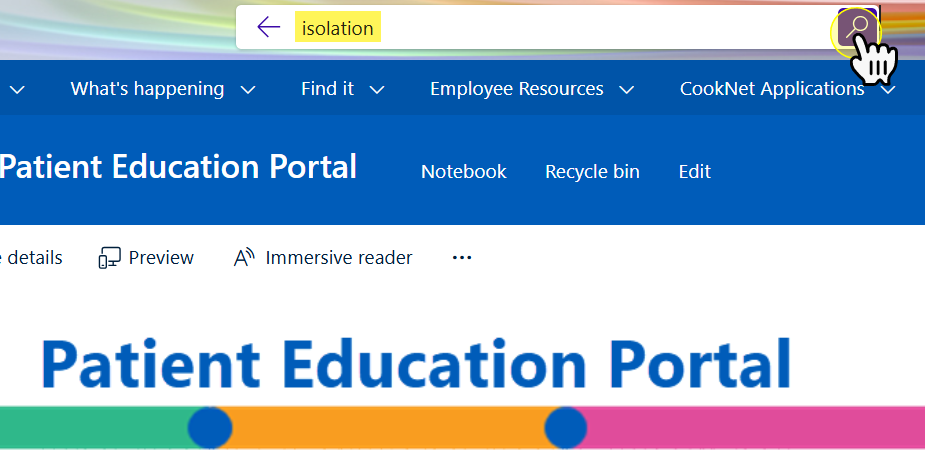
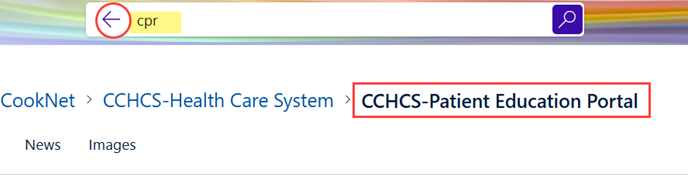
3. Search for the topic / handout you need and click the search button or simply hit the enter key.
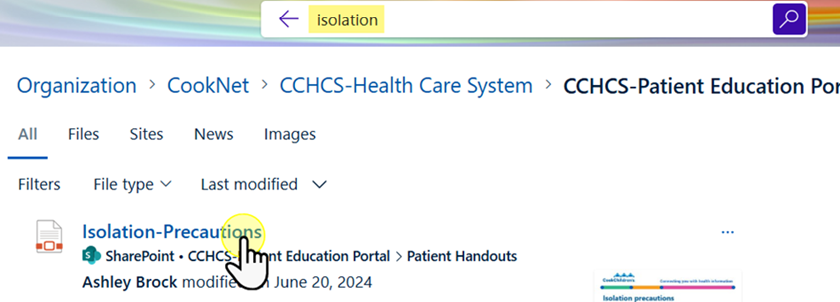
4. Select the handout you want to print. This will open in a new tab on your browser.
5. If you get too many results or if you want to look for another handout, you can enter new terms in the search box. As long as you are in the Patient Education Portal, you will only retrieve patient education handouts. You can return to the Portal homepage by selecting the back arrow.
For a pdf of the instructions with photos see the downloads tab on the right-hand side of this page.